Time Clock
The Time Clock can be run as a standalone application and is also integrated with the retail and F&B POS systems.
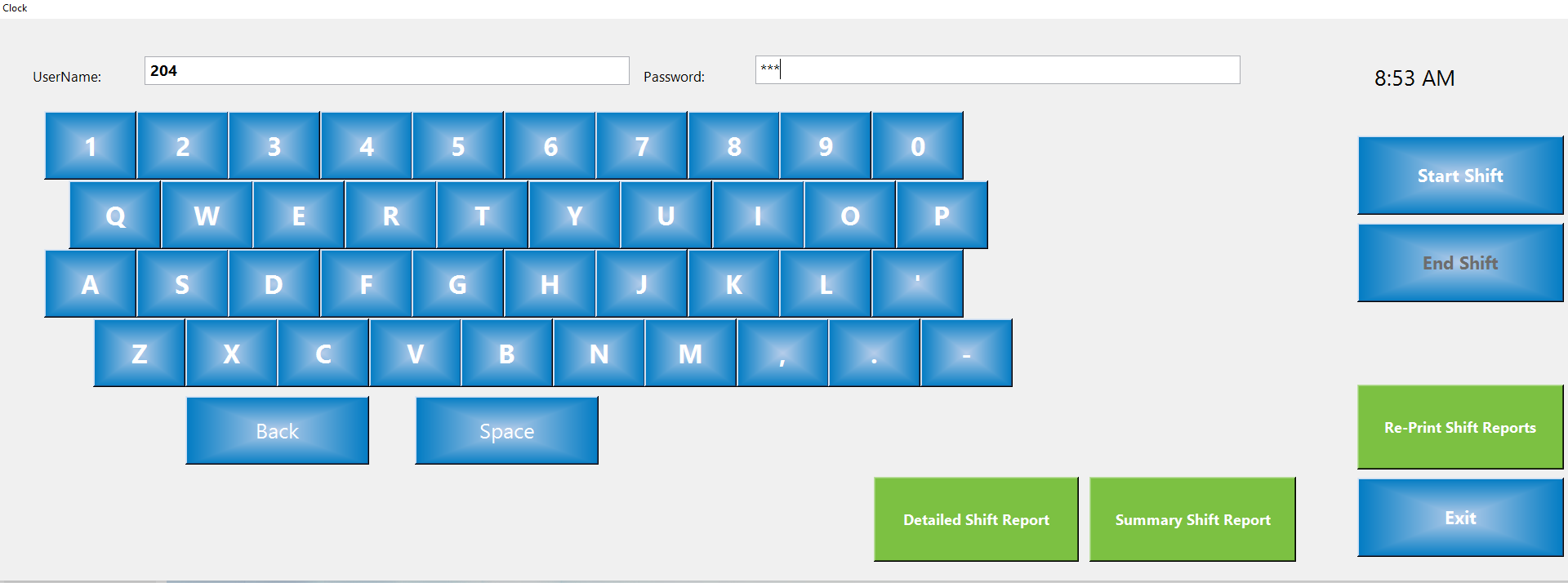
Start Shift
In order to start a shift a staff member has to enter their username and password and click on the Start Shift button.
End Shift
To end a shift, a staff member has to enter their username and password and click on the End Shift button.
Detailed Shift Report / Summary Shift Report
If the employee has been working in point of sale and is ending their shift from the time clock, rather from the POS station, they should end their shift using either the Detailed Shift Report or the Summary Shift Report.
Re-Print Shift Reports
An employee can re-print shift reports.
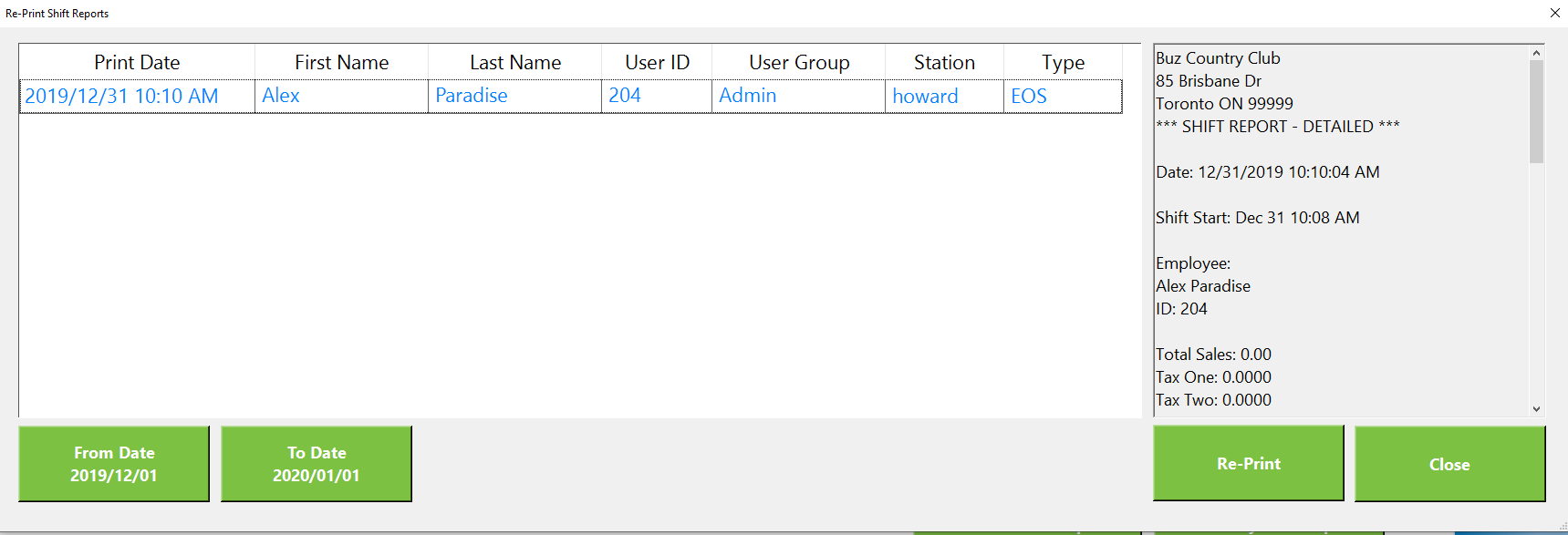
Select the shift to re-print and then click on the Re-Print button.