

Adding A Player To A Tee Time
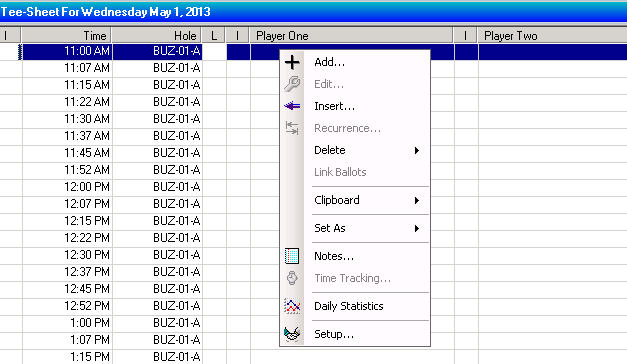
In the main tee sheet area scroll down to the tee time you are adding the player. Right click and click Add.
Type the first few letters of the player's last name and their name will appear in the box beside the appropriate player. If you want to add another player click the tab key twice and type the first few letters of the that players name. You have the option of choosing each player's mode of transportation in the box to the right of the player.

When all the players have been added, Click Save. The players name will now appear in the main tee sheet beside the appropriate tee time.