

Adding A Note To A Tee Time
This note area is a great way to communicate amongst staff about special requests for a specific tee time or player. In the main tee sheet area scroll down to the tee time you want to add the note. Right click and click notes.
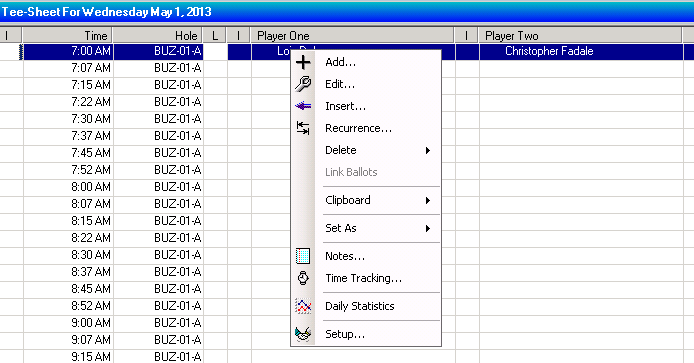
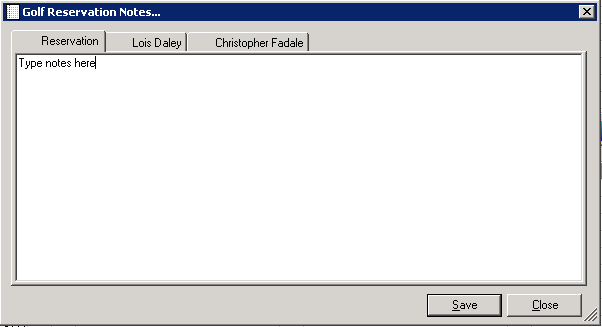
A new window will open and you can type in general notes for the tee time or specific notes for the players. Click Save.
The representation of the note will appear however you set it up in the tee sheet setup. Here, the note appears as a note icon to the left of the player. If you right a specific note for the player, his name will be highlighted in the main tee sheet area. To read the note. Right click on the tee time and click notes.